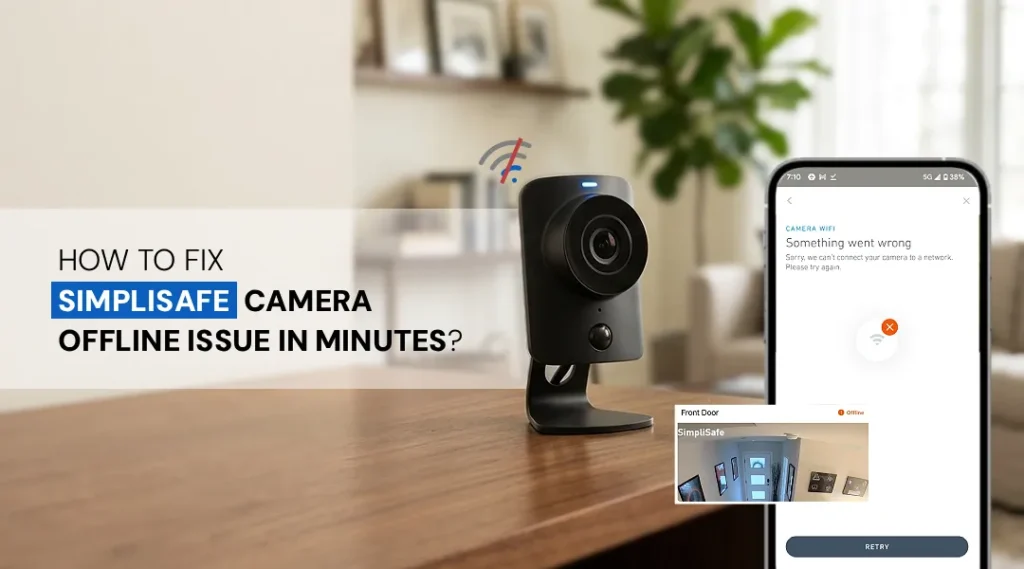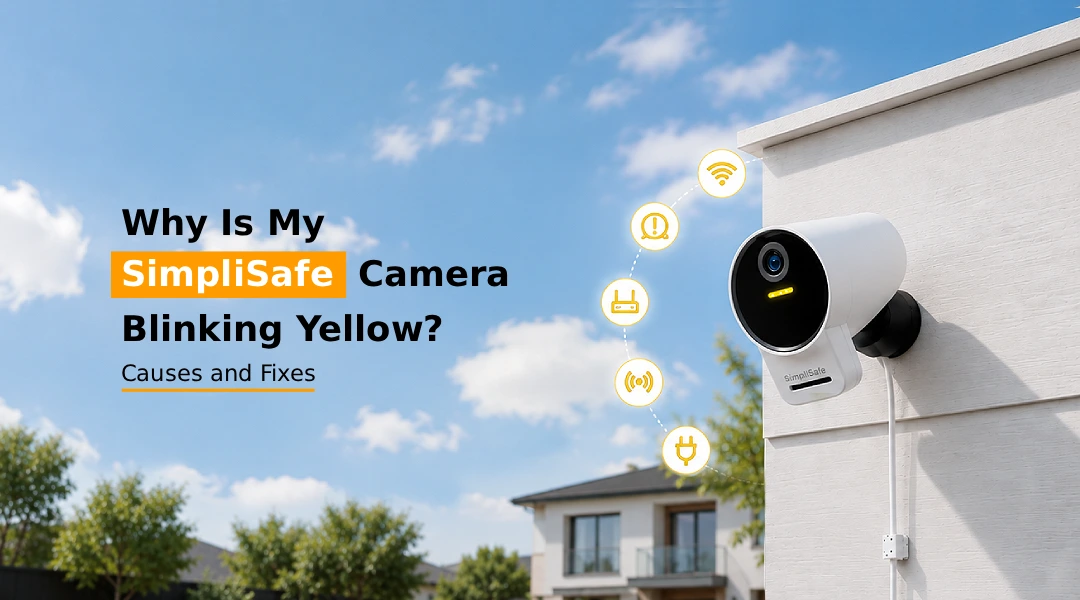
A SimpliSafe camera blinking yellow almost always points to a connectivity or power-related issue rather than a hardware failure. In most cases, the yellow light means the camera is trying to connect to Wi-Fi, syncing with the base station or restarting after a firmware update. The good news is that this is usually fixable in a few minutes by restarting the camera, checking your Wi-Fi signal, or running through the setup process again. Below, we break down every reason your SimpliSafe camera, base station, doorbell, or smoke detector might show a yellow light, along with simple, step-by-step fixes.
If you’ve noticed your SimpliSafe camera blinking yellow, you’re not alone. This is one of the most common issues SimpliSafe users search for, and thankfully, it’s rarely a sign of a broken device. Yellow lights across SimpliSafe products (cameras, base stations, doorbells, and smoke detectors) typically indicate a temporary state, such as connecting, updating, or waiting for a stable signal. This guide walks you through what a SimpliSafe yellow light means on each device, why it happens right after setup, and exactly how to fix it.
What Does Yellow Light on SimpliSafe Camera Mean?
A yellow light on a SimpliSafe camera generally means the device is either connecting to Wi-Fi, reconnecting after a dropped connection, or updating its firmware. It is a “transition” indicator rather than an error code.
- Solid yellow: The camera is powering on or establishing a connection.
- Blinking yellow: The camera is actively trying to connect to your Wi-Fi network or the SimpliSafe base station but hasn’t succeeded yet.
If the light stays yellow for more than 10-15 minutes, it usually signals a Wi-Fi or network problem rather than a normal startup delay.
Why is my SimpliSafe camera blinking yellow after setup?
This is one of the most frequently asked questions, and it usually comes down to one of these causes:
- Incomplete Wi-Fi handshake— The camera connected briefly during SimpliSafe setup but lost the signal before finishing registration.
- Router compatibility issues— Some routers with dual-band Wi-Fi (2.4GHz/5GHz) confuse the camera during initial pairing, since most SimpliSafe cameras only support 2.4GHz.
- App sync delay— Sometimes the SimpliSafe app shows setup as “complete,” but the camera is still syncing with the base station in the background.
- Firmware update mid-setup— If a firmware update triggers right after setup, the camera will blink yellow until the update finishes installing.
In most cases, waiting 5-10 minutes resolves this. If not, a quick restart or re-running setup usually fixes it.
Why is my SimpliSafe base station flashing yellow?
A SimpliSafe base station beeping yellow light usually means one of the following:
- Wi-Fi or cellular connectivity issue— The base station has lost its connection to SimpliSafe’s monitoring servers.
- Low battery backup— If the base station is running on battery backup (during a power outage), it may flash yellow and beep intermittently.
- Pending firmware update— Base stations often flash yellow while downloading or installing system updates.
- Sensor communication error— A device (camera, sensor, or detector) may be failing to communicate properly with the base station.
If the beeping is frequent and paired with a steady yellow flash, check your internet router first, since most base station issues are network-related rather than hardware faults.
Why is my SimpliSafe smoke detector solid yellow light?
A SimpliSafe smoke detector yellow light that stays solid typically means the detector needs attention, but not necessarily an emergency. Common causes include:
- Low battery— The most frequent cause; a solid yellow light often functions like a low-battery warning.
- Sensor malfunction— Dust, humidity, or age can affect the smoke sensor’s ability to calibrate correctly.
- Firmware or connectivity sync issue— Like cameras, smoke detectors briefly show yellow while syncing with the base station.
If the yellow light persists for over 24 hours, SimpliSafe recommends replacing the batteries or contacting support, since smoke detectors are safety-critical devices.
SimpliSafe doorbell yellow light: Blinking or Solid
The SimpliSafe doorbell yellow light works similarly to the camera:
- Blinking yellow— The doorbell is attempting to connect to Wi-Fi or sync with the base station, often during or after installation.
- SimpliSafe doorbell solid yellow light— This usually indicates the doorbell is updating firmware or has a weak/unstable Wi-Fi signal strong enough to connect but not stream reliably.
If your doorbell was recently installed, give it 10–15 minutes to complete the initial sync before troubleshooting further.
Ways to fix a SimpliSafe camera blinking yellow light
If your SimpliSafe camera won’t connect to wifi and keeps blinking yellow, try these steps in order:
- Check your Wi-Fi signal— Move the camera closer to your router or reduce interference from walls and other devices.
- Restart the camera— Unplug it for 30 seconds, then plug it back in.
- Restart your router— This clears temporary network glitches that block connection.
- Re-run simplisafe camera setup— Open the SimpliSafe app, remove the camera, and re-add it through setup.
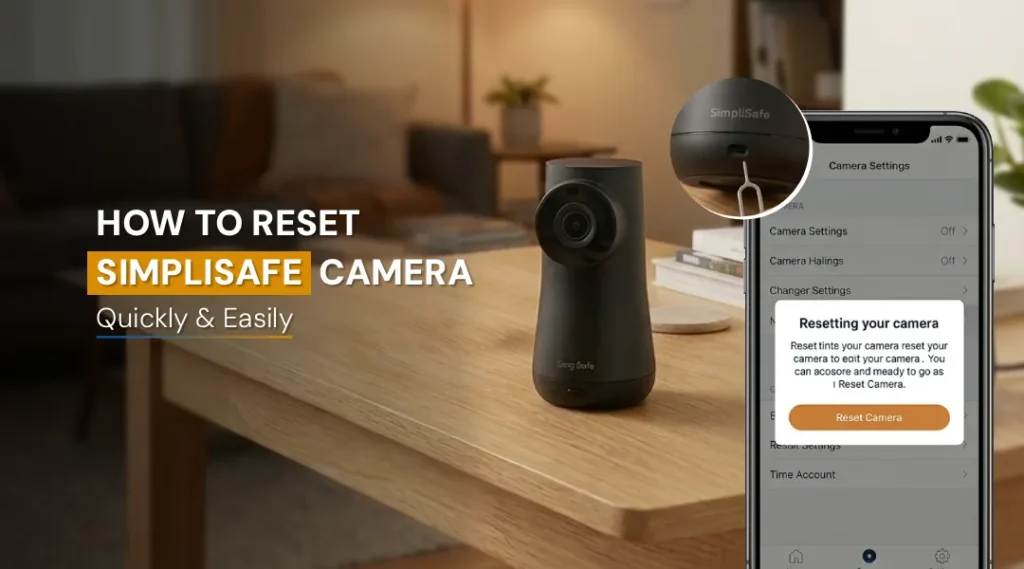
- Reset SimpliSafe camera— If nothing else works, hold the reset button (usually on the back or bottom) for 10-15 seconds until the light changes, then set it up as new.
- Update firmware manually— Check the app for pending updates and let them finish fully before disconnecting power.
Following these steps resolves the yellow blinking light in the vast majority of cases.
Frequently Asked Questions
No. A blinking yellow light almost always indicates a connectivity or syncing issue, not a hardware failure. Actual device failures are rare and usually accompanied by a red light or no light at all.
Yes. Weak or unstable Wi-Fi is the most common cause of a persistent yellow blinking light, since the camera can’t maintain a stable connection to complete setup or streaming.
Yes. SimpliSafe cameras and base stations often show a yellow light while downloading or installing firmware updates. This should resolve automatically once the update finishes.
Restart the camera and router, ensure it’s on a 2.4GHz network, and re-run setup through the SimpliSafe app. If the issue persists, reset the camera and set it up again.
Yes, if restarting and checking Wi-Fi don’t help. A factory reset clears any corrupted settings and lets the camera reconnect as if new, which resolves most persistent yellow-light issues.
The Final Word
A SimpliSafe camera blinking yellow is usually a quick fix tied to Wi-Fi, setup, or firmware updates rather than a sign of malfunction. Whether it’s your camera, base station, doorbell, or smoke detector, checking your network connection and restarting the device solves the issue in most cases. If the yellow light doesn’t clear after a reset, reaching out to SimpliSafe support is the safest next step.