A blinking blue light on your SimpliSafe camera usually means it is trying to connect to Wi-Fi, updating firmware, or being set up. To fix it, restart it, check your internet connection, update the app, and make sure the camera is within Wi-Fi range. If the problem persists, try a factory reset and reconnect the device.
If you’ve noticed your SimpliSafe camera blinking blue, you’re not alone. This is one of the most common concerns among SimpliSafe users, and the good news is that it’s usually easy to diagnose and fix. Whether your camera is flashing blue continuously, intermittently, or in a specific pattern, each behavior points to something different. This guide walks you through every possible cause and solution so you can get your security system back on track.
Understanding the Blue Light on Your SimpliSafe Camera
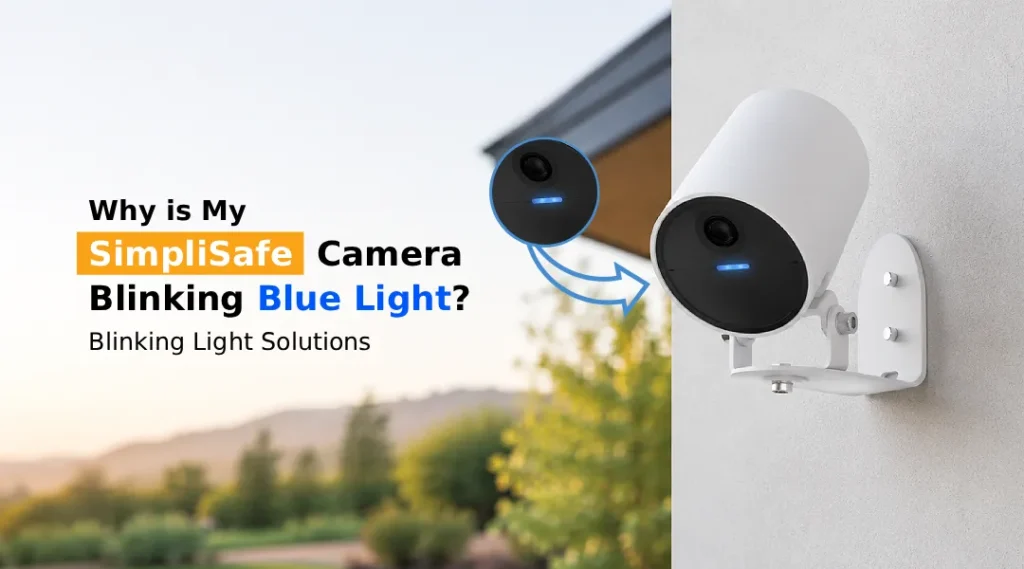
SimpliSafe cameras use LED indicator lights to communicate system status. A blinking blue light on a SimpliSafe camera isn’t always a sign of trouble, but it does mean something specific depending on how it blinks.
Here’s a quick breakdown:
- Slow, steady blinking blue: The camera is in setup or pairing mode
- Rapid blinking blue: The camera is attempting to connect to Wi-Fi or your network
- Continuous blinking blue: This often signals a connectivity issue or that the camera is stuck in a loop
- Blue light after a power cycle: The camera is rebooting and running a self-check
Understanding these patterns is the first step to troubleshooting your SimpliSafe flashing blue issue correctly.
What Does Flashing Blue Light on SimpliSafe Camera Mean?
The flashing blue light on a SimpliSafe camera typically means one of the following:
1. The Camera is in Setup Mode
When you first install or reinstall a SimpliSafe camera, it enters setup mode and begins blinking blue to signal that it’s ready to be paired. If you haven’t completed the setup process or if it was interrupted, the camera may keep blinking indefinitely.
2. Wi-Fi Connection Problems
A SimpliSafe camera flashing blue is very commonly caused by Wi-Fi connectivity issues. If the camera loses its connection to your router, or if the signal is too weak, it will blink blue as it tries to reconnect. This is one of the most frequent reasons users see this behavior.
3. The Camera Has Gone Offline
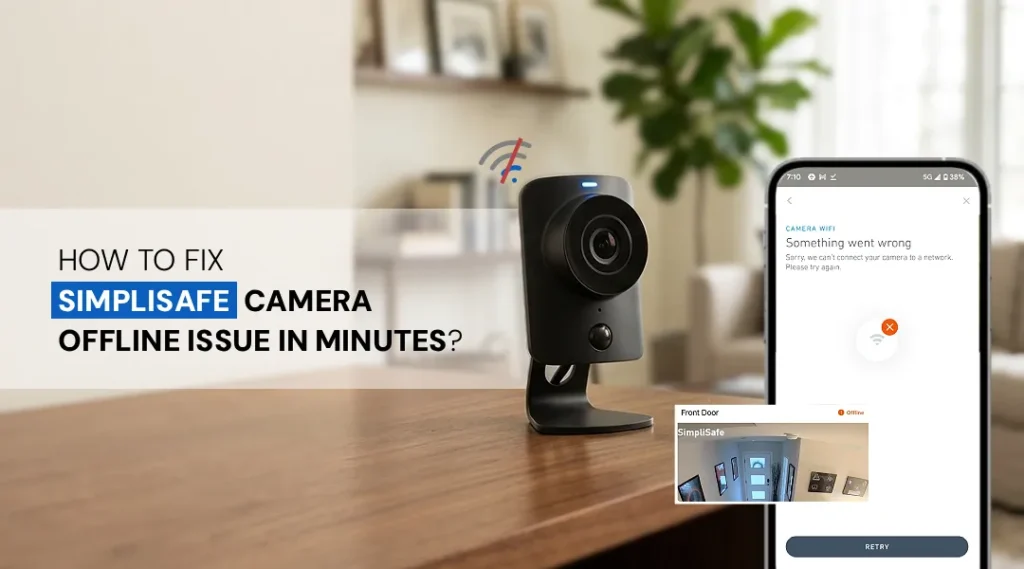
A SimpliSafe camera offline status is often accompanied by a blinking blue light. This can happen due to internet outages, router restarts, or the camera being too far from the router. In this case, the camera is essentially searching for a network to latch onto.
4. Firmware Update in Progress
SimpliSafe periodically pushes firmware updates to its cameras. During an update, the camera may display a blinking blue light as it downloads and installs the new software. This is completely normal and usually resolves on its own within a few minutes.
5. The Camera Needs a Reboot or Reset
Sometimes the camera’s software gets stuck, causing it to enter a loop that triggers the blue light. A quick reboot or a full reset procedure can resolve this.
Step-by-Step Fixes for SimpliSafe Camera Blinking Blue Light
Fix 1: Check Your Internet Connection
Before doing anything else, verify that your home internet is working. Disconnect and reconnect to your Wi-Fi on another device. If your internet is down, that’s likely the root cause of the SimpliSafe camera flashing blue issue. Restart your router, wait 60 seconds, and see if the camera reconnects automatically.
Fix 2: Move the Camera Closer to Your Router
Weak Wi-Fi is a silent culprit. If the camera is too far from your router or blocked by thick walls, it may struggle to maintain a stable connection. Try temporarily moving the camera closer to your router and observe whether the blinking blue stops.
Fix 3: Reboot the Camera
Unplug your SimpliSafe camera from its power source, wait 15–20 seconds, and plug it back in. This forces a full reboot and often clears connection errors that cause blinking blue light SimpliSafe camera. Most users find this resolves the issue immediately.
Fix 4: Log In and Check Camera Status
Visit www.simplisafe.com login page and access your account dashboard. From there, navigate to your camera settings and check whether the camera is showing as online or offline. If it’s listed as offline, the portal may give you additional diagnostic information or allow you to push a reconnection command remotely.
Fix 5: Reset Your SimpliSafe Camera
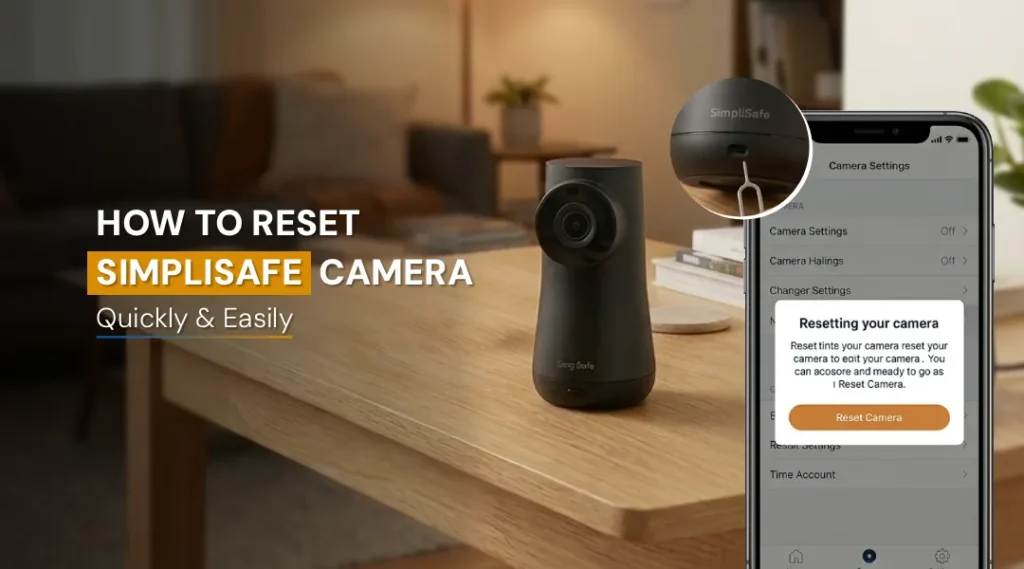
If rebooting doesn’t help, you may need to perform a factory reset. To reset SimpliSafe camera:
- Locate the reset button on the back or bottom of the camera
- Press and hold it for 10–15 seconds until you see a light change
- The camera will restart and re-enter setup mode
- Open the SimpliSafe app and re-add the camera to your system
Note that resetting will remove the camera from your account, so you’ll need to set it up again from scratch. However, this resolves most persistent Simplisafe camera blinking blue light issues.
Fix 6: Wait Out a Firmware Update
If your camera recently started blinking blue without any obvious trigger, it may be in the middle of a firmware update. Leave it connected to power and Wi-Fi for 10–15 minutes. If the blinking stops on its own, the update completed successfully.
Fix 7: Check for App and System Notifications
Open the SimpliSafe app and look for any system alerts, maintenance notices, or outage notifications. Sometimes the issue is on SimpliSafe’s end, not yours. If there’s a known outage, the blinking blue light will resolve once the service is restored.
Can Poor Wi-Fi Cause the SimpliSafe Camera Blue Light Issue?
Absolutely, and it’s more common than most people realize. SimpliSafe cameras rely entirely on a stable Wi-Fi connection to function. If your network has dead zones, interference from other devices, or inconsistent speeds, your camera may frequently drop its connection and enter a reconnect cycle, which is displayed as a blinking blue light on your SimpliSafe camera.
To improve connectivity:
- Use a dual-band router and connect the camera to the 2.4GHz band for better range
- Reduce interference by keeping the camera away from microwaves, cordless phones, or baby monitors
- Consider a Wi-Fi extender if the camera is far from your router
- Make sure your router’s firmware is also up to date
When to Contact SimpliSafe Support?
If you’ve tried all the fixes above and your camera is still showing a SimpliSafe flashing blue light, it may be time to contact SimpliSafe’s customer support. This is especially true if:
- The camera was working fine and stopped suddenly with no clear cause
- The reset process doesn’t resolve the blinking
- The camera appears in your app but won’t come online
- The light blinks in an unusual pattern not described above
SimpliSafe offers 24/7 customer support and can run diagnostics on your account remotely. They may also arrange a replacement if the issue turns out to be hardware-related.
Is the Blinking Blue Light a Hardware Problem?
In most cases, no. the blinking blue light on a SimpliSafe camera is almost always a software, connectivity, or configuration issue. Hardware failures are relatively rare with SimpliSafe cameras, but they do occur, particularly with older units or cameras that have been exposed to moisture or physical damage.
Signs that it could be a hardware issue include:
- The camera doesn’t respond to resets at all
- The blue light blinks in a pattern not consistent with any known status
- The camera is physically damaged or has been exposed to water
- The camera produces no image even after successfully reconnecting
If any of these apply, contact SimpliSafe directly for a replacement assessment.
FAQs
It typically indicates that the camera is in setup mode, trying to connect to Wi-Fi, undergoing a firmware update, or experiencing a connectivity issue. The specific pattern, slow, fast, or continuous, helps identify the exact cause.
Continuous flashing usually means the camera is stuck trying to reconnect to your Wi-Fi network. Check your internet connection, reboot your router, and restart the camera. If the issue persists, a factory reset is recommended.
Yes. Weak or unstable Wi-Fi is one of the most common causes of the blinking blue light. Improving your signal strength or moving the camera closer to your router will often resolve it.
In many cases, yes. A factory reset clears any software glitches and forces the camera back into setup mode. After resetting, reconfigure the camera through the SimpliSafe app to restore normal operation.
Yes, this is completely normal. When SimpliSafe pushes a firmware update to your camera, it may blink blue during the installation process. Simply leave the camera powered and connected, and it should return to normal within 15 minutes.
Rarely. In the vast majority of cases, it’s a connectivity or software issue. Hardware problems are usually indicated when the camera doesn’t respond to any troubleshooting steps, including a factory reset.
Final Thoughts
A SimpliSafe camera blinking blue is almost always fixable with the right approach. Whether it’s a simple reboot, a Wi-Fi adjustment, or a full camera reset, most users can resolve the issue within minutes. Start with the easiest fixes, checking your internet and rebooting the camera, before moving to more involved steps like a factory reset. And when in doubt, the SimpliSafe login portal and SimpliSafe’s support team are always there to help.