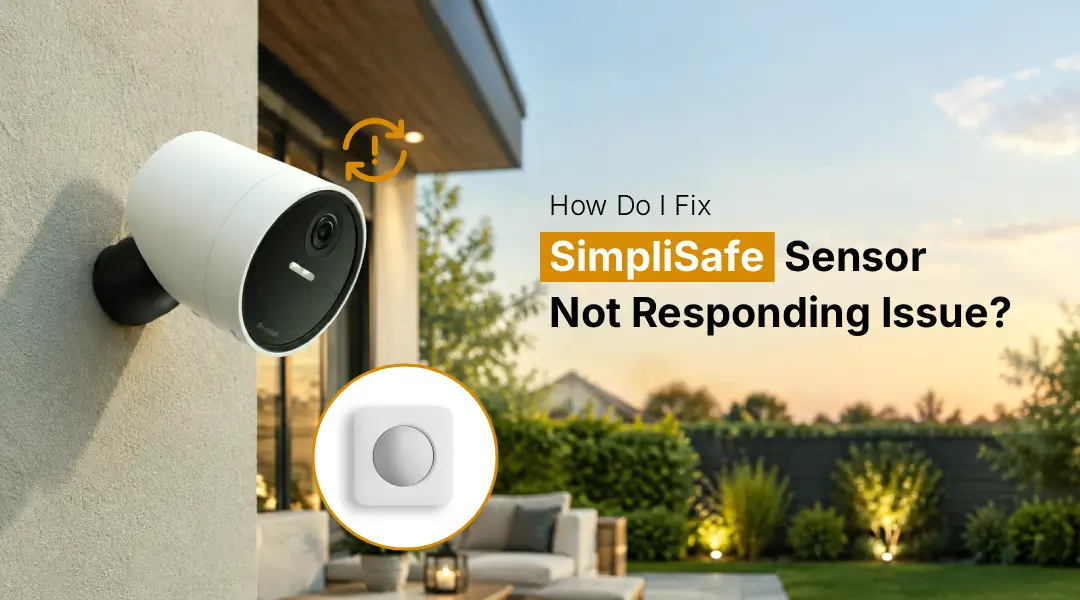
If your SimpliSafe sensor is not responding, first test its battery, sensor positioning, and connection to the SimpliSafe Base Station. Try replacing the battery, adjusting the sensor location to be closer to the SimpliSafe Base, and restarting the system. You can also remove and re-add a SimpliSafe sensor in the SimpliSafe app. If none of these steps work, try resetting and re-pairing it.
Is your SimpliSafe sensor not responding when it should be? This can be detrimental to your security system’s proper functioning, such as detecting motion, the opening of doors or windows, or other activities. The problem can be caused by a dead battery, a weak connection in the wireless signal, an incorrect position, or a connection error. Luckily, most problems in your SimpliSafe sensors can be solved with just a few simple troubleshooting methods. In this article, we will explain how to know what is causing your SimpliSafe sensor issue and how to go about fixing it.
Why Is My SimpliSafe Sensor Not Responding?
A SimpliSafe sensor might not be responding because the battery is low. The placement of the sensor might be poor or the connection with the Base Station might be weak. These issues can also cause problems. The position of the sensor might be incorrect which can affect motion detection or the communication between the sensor and the security system.
How Do I Fix SimpliSafe Sensor Not Responding?
If you are having an issue with a SimpliSafe sensor not responding, here are some things you can try to get it working again.
- Check the battery: If your SimpliSafe sensor has a low or dead battery, replace it.
- Check the placement: You want to make sure the SimpliSafe sensor is in a stable location and that it is within range of your SimpliSafe Base Station.
- Test the sensor: If you have a SimpliSafe motion sensor that is not responding, try walking past it to see if it registers your movement.
- Check the magnet: If you have a SimpliSafe entry sensor that is not responding, check and make sure that the sensor and magnet are facing each other
- Restart the system: Try restarting your SimpliSafe Base Station, then test the sensor again.
- Check the app: Check the SimpliSafe app on your phone to see if there are any alerts for that device or connection issues
- Reconnect the sensor: If none of these steps work, you may want to try disconnecting and reconnecting the sensor to the app
Note: If none of these steps work, you may want to look into issues with wireless connections or consider replacing the sensor.
How To Fix SimpliSafe Motion Sensor Not Responding?
If the motion sensor on your SimpliSafe is not working properly, ensure that the sensor has a clear detection area.
- Perform the following actions:
- Verify that the sensor is powered.
- Check and replace its battery if needed.
- Ensure nothing is blocking the sensor.
- Check the position and mounting of the sensor.
- Walk the detection area to test the sensor.
- Check whether SimpliSafe Base Station recognizes the sensor.
If your SimpliSafe motion sensor does not work after checking the listed issues, reconnecting the sensor may resolve the issue.
Quick Fix: SimpliSafe Entry Sensor Not Responding
If your SimpliSafe entry sensor is not working, check if the sensor and magnet are aligned correctly. Check the following:
- The battery and whether the sensor is secured.
- Check the wireless connection and magnet position
- Test the sensor
- Restart the system
- Reconnect the sensor or system
If these steps do not resolve the issue, the sensor may need to be further troubleshot or replaced again.
Fix SimpliSafe Door Sensor Not Responding
A SimpliSafe door sensor not working can often be caused by battery or positioning issues. Begin by opening and closing the door several times, and verify that the system detects the change. Next, examine the sensor and magnet. If either has moved, readjusting could fix the issue. You should also check the battery and replace it if necessary. If the sensor still does not work, you may have to remove and reconnect it through your SimpliSafe system.
Use Your SimpliSafe App to Resolve the SimpliSafe Sensor Not Responding Problem
The SimpliSafe app can be used to check the status of your system and devices. If the app displays that the sensors are not updated, be sure to check if you are logged in correctly and that the application is updated.
- In case of a SimpliSafe app login issue on your account, you need to first solve this problem and check the status of your SimpliSafe sensors again.
- Make sure you have an active internet connection. If you recently switched between different Wi-Fi networks or routers, you might need to reconnect to the SimpliSafe setup WiFi for a better outcome.
Reconnect Your SimpliSafe Sensor
If the sensor still does not react after replacing the battery and ensuring that it is properly placed, try to re-pair it to your SimpliSafe system. The standard procedure is as follows:
- Open the SimpliSafe app,
- Go to your system’s settings, and look for settings related to devices/sensors.
- There, you will be able to remove the faulty sensor from the list of connected devices.
- Then, follow the prompts on your screen to add the sensor to your account.
- After re-pairing, test whether the sensor works.
Key points: The exact steps may vary depending on the equipment and the version of the app you are using.
Can You Reset a SimpliSafe Sensor?
Depending on the model, you might be able to reset or re-pair a SimpliSafe sensor. However, this step should be taken after ruling out battery, placement, pairing to the Base Station, and wireless connection issues.
- If you have other SimpliSafe gear that needs troubleshooting, make sure to follow the manufacturer’s instructions for a specific model rather than a universal guide.
- If you are having issues with a camera, you might need to factory reset SimpliSafe camera as well.
Can a Weak Signal Cause SimpliSafe Sensors to Malfunction?
If the sensor is having issues communicating with the Base Station, a weak wireless connection might be the reason. It is a good idea to make sure that the sensor is working correctly by placing it near the Base Station. If it works properly in the closer range, pairing distance and obstacles in the way are likely the.
- To fix this issue, you can try the following solutions:
- Placing the Base Station in a different, more open area.
- Moving the sensor closer to the Base Station.
- Minimizing obstacles in the pairing area;
- Checking if any other electronics in the area could interfere with the signal.
When Should You Replace a SimpliSafe Sensor?
You should think about replacing a sensor if:
- The issue is not resolved after replacing batteries.
- The sensor frequently loses connection.
- It cannot be re-paired.
- The device is physically damaged.
- Other sensors in the same area are not having any issues.
- The sensor still has problems after troubleshooting.
Note: Before you buy a replacement, make sure it is suitable for your SimpliSafe setup.
Common SimpliSafe Sensor Problems and Solutions
Check this out to fix the common problem of a SimpliSafe sensor not responding.
Common issues | Solutions |
Simplisafe sensor not responding | Check and replace the battery |
Simplisafe sensor offline | Check the connection with the Base Station |
Battery at low level or dead | Replace the sensor battery with a compatible battery and test it again. |
Poor connection to Wi-Fi | Place the sensor closer to the SimpliSafe Base Station. |
Simplisafe motion sensor not detecting movement | Check the detection area and sensor position |
Simplisafe Door sensor not responding | Check the battery and magnet alignment |
Simplisafe App connection issue | Make sure the SimpliSafe app is updated. |
FAQ:
How do I fix a SimpliSafe sensor that is offline?
The first step is to ensure that the battery is charged and change it if needed. Next, make sure that the sensor is within range of the Base Station and that nothing is interfering with the signal. Try restarting the system and testing the sensor again. If the sensor is still offline, try uninstalling and reinstalling it using the SimpliSafe application.
How do I replace a SimpliSafe sensor battery?
First, you will need to open the sensor according to the manufacturer’s instructions and replace the old battery with a new one. Ensure that the battery is placed correctly in most cases. Then, use the sensor to make sure that everything is working well and that the signal is transmitting.
Can I reset my SimpliSafe sensor?
In most cases, sensors cannot be reset; however, you can try reinstalling them. It is important to make sure that the problem is not in the battery, location, or improper connection to the Base Station first.
How do I reconnect my SimpliSafe sensor?
On your phone, open the SimpliSafe app and go to the system menu. Go to the device or sensor settings, and if the sensor has been removed, follow the instructions to add it back. Then, test the newly connected sensor and make sure that it is working properly.
Can a weak signal cause SimpliSafe sensors to stop responding?
If the signal from the sensor is weak or unstable, it may stop working or become unavailable in the system. In this case, it is recommended to ensure that the device is within range of the Base Station and that there are no obstacles.
Final thoughts
A SimpliSafe sensor not responding issue can typically be fixed by following several basic troubleshooting steps. Firstly, it is necessary to check the batteries, sensor mounting, magnets, and connection. Moreover, a user can try to restart the Base Station or reconnect the sensor to resolve the problem. If none of the above methods help, it might be necessary to inspect the device and replace it with an alternative one to ensure the proper operation of a security system. Also visit the official website (simplisafe.com) and documentation.