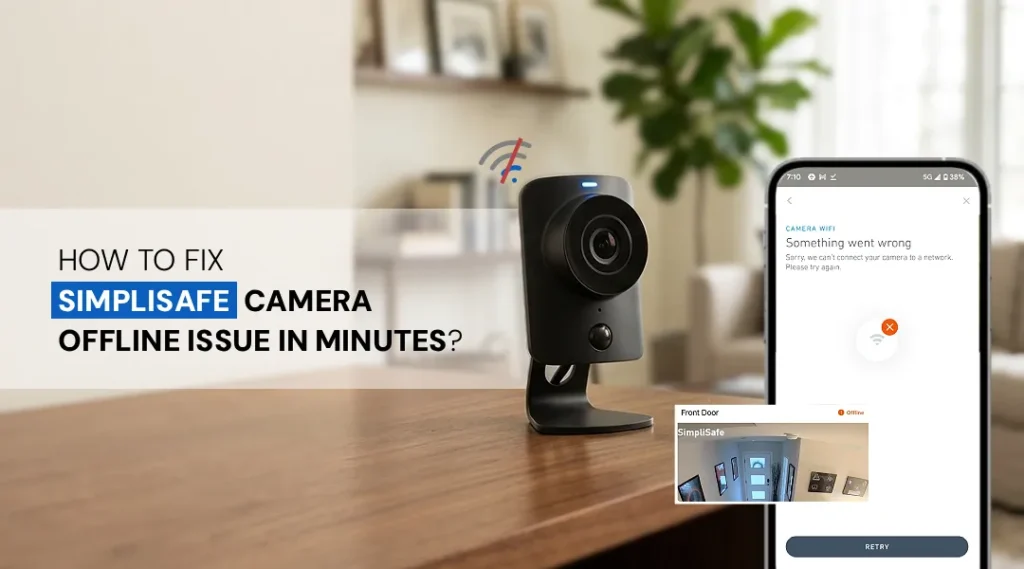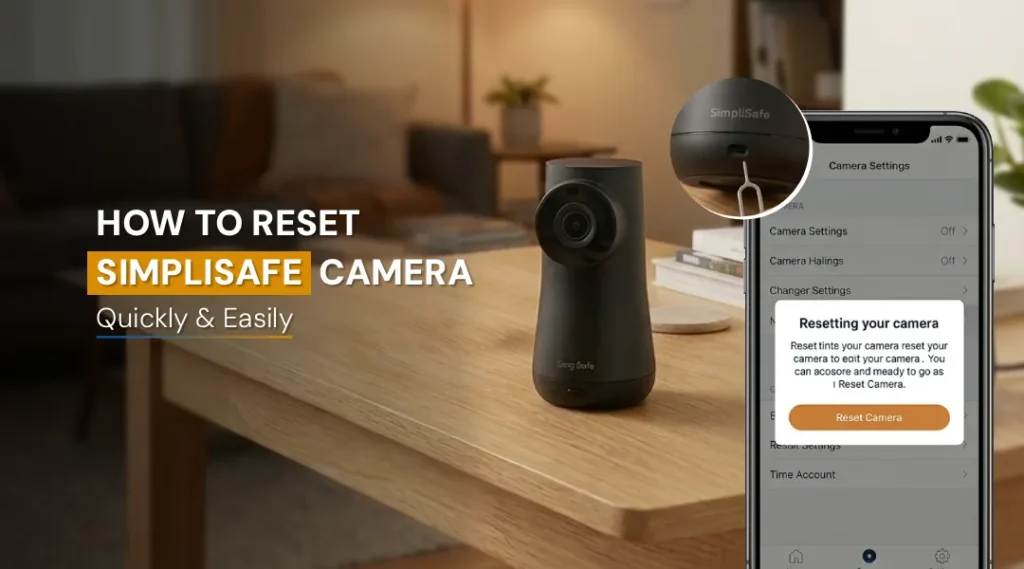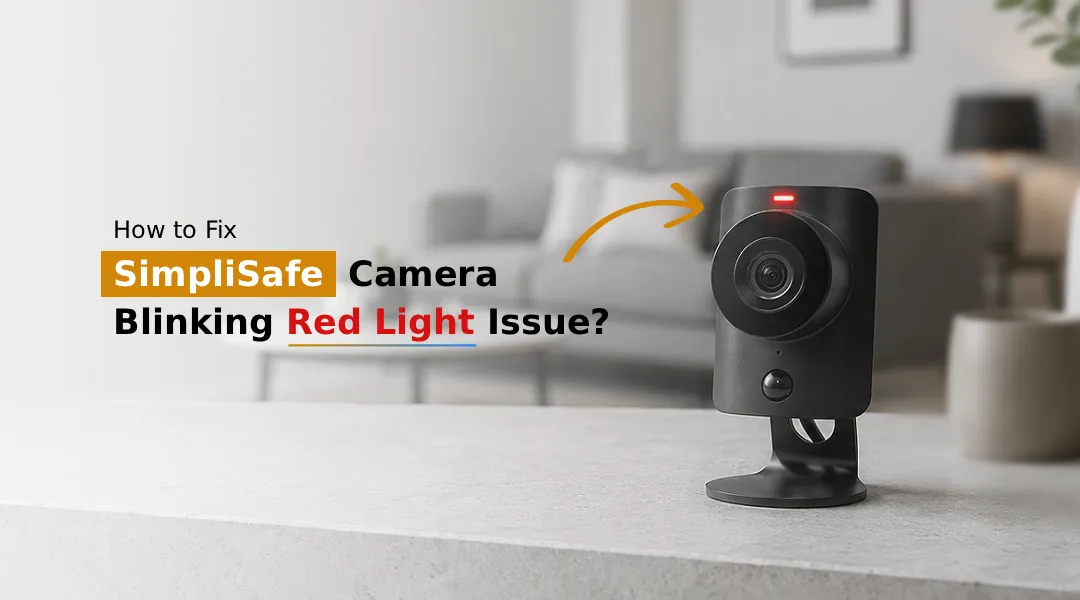
A SimpliSafe camera blinking red light usually points to one of three things, a Wi-Fi connectivity problem, a power/charging issue, or a pending firmware update. In most cases, you can fix it yourself in under 10 minutes by checking your internet connection, restarting the camera, and updating the firmware through your online SimpliSafe portal. If the red light stays on after these steps, it may indicate the camera is offline or facing a hardware fault that needs SimpliSafe support.
If you’ve noticed your SimpliSafe camera blinking red, you’re not alone, this is one of the most common issues reported by SimpliSafe users. A flashing or solid red light on your camera or base station is your device’s way of signaling that something needs attention, whether it’s a weak Wi-Fi signal, a disconnected camera, or an outdated firmware version. The good news is that this issue is almost always fixable without needing a replacement device or a technician visit. In this guide, we’ll break down exactly why your SimpliSafe camera is flashing red, what the different red light patterns mean, and step-by-step fixes to get your system back to normal.
Why is My SimpliSafe Camera Blinking Red?
There are several common reasons your SimpliSafe camera is blinking red:
- Weak or Unstable Wi-Fi Connection- SimpliSafe cameras rely on a strong, consistent Wi-Fi signal. If your camera is too far from the router or your network is congested, the camera may lose connection intermittently, triggering the red light.
- SimpliSafe Camera Offline– When a camera loses communication with the SimpliSafe base station or the cloud servers, it goes into an offline state, which is often indicated by a red blinking light.
- Power Supply Issues- Loose cables, damaged adapters, or insufficient power can cause the camera to blink red as it struggles to maintain a stable connection.
- Outdated Firmware- If you haven’t run a SimpliSafe firmware update cycle recently, your camera may be out of sync with the base station, causing connectivity errors.
- Router or Network Changes- If you recently changed your Wi-Fi password, router, or internet provider, the camera may not automatically reconnect, resulting in a SimpliSafe flashing red indicator.
- Server or App Glitches- Occasionally, the SimpliSafe flashing red issue isn’t your device at all, a temporary outage on SimpliSafe’s servers can cause the red light on SimpliSafe camera to appear even when everything on your end is fine.
What Does Red Light Mean on SimpliSafe?
Understanding what the red light on SimpliSafe base station or camera means can help you troubleshoot faster:
- Slow Blinking Red Light- Typically indicates the camera is attempting to connect to Wi-Fi or the base station but hasn’t succeeded yet.
- Fast Blinking Red Light- Usually signals a connectivity failure or that the camera has gone offline entirely.
- Solid Red Light on SimpliSafe Camera- This often means the device has lost connection completely and needs a restart or reconfiguration.
- Red Light on SimpliSafe Base Station- If the base station itself shows red, it may indicate a broader system issue, such as loss of internet, power interruption, or a failed sync with SimpliSafe’s servers.
Each of these patterns gives you a clue about where the problem lies, whether it’s isolated to the camera or affecting your entire SimpliSafe unit.
How to Clear Red Light on SimpliSafe Base Station?
Follow these steps in order to resolve the SimpliSafe camera flashing red issue:
Step 1: Check Your Wi-Fi Connection
Ensure your router is functioning properly and that your camera is within range. Restart your router if needed, and confirm other devices on the network have a stable connection.
Step 2: Restart the Camera and Base Station
Unplug both the camera and base station, wait 30 seconds, and plug them back in. This simple reset resolves a large percentage of connectivity-related red light issues.
Step 3: Log Into Your SimpliSafe Account
Open the SimpliSafe app or website and complete your SimpliSafe account login. Check the device status page to see if the camera shows as online, offline, or in an error state. This step often reveals whether the issue is connectivity-based or account-related.
Step 4: SimpliSafe Firmware Update
Navigate to your account dashboard and check if a firmware update is available. Running an update SimpliSafe firmware process ensures your camera and base station are running the latest software, which resolves many known bugs tied to red light errors.
Step 5: Re-Pair the Camera with the Base Station
If the red light persists, remove the camera from your system and re-add it through the app. This forces a fresh handshake between the camera and base station, often clearing persistent errors.
Step 6: Check Power Cables and Adapters
Inspect the power cable for damage and ensure it’s securely plugged in. A loose or faulty adapter can cause intermittent power loss, which shows up as a blinking red light.
Step 7: Contact SimpliSafe Support
If none of the above steps work, the issue may be a hardware fault. Reach out to SimpliSafe customer support for further diagnostics or a possible replacement.
The Final Word
A SimpliSafe camera blinking red light is almost always a fixable issue tied to Wi-Fi strength, power connectivity, or firmware status. By methodically working through connection checks, restarts, account login verification, and firmware updates, most users can resolve the red light within minutes. If the problem continues despite troubleshooting, don’t hesitate to contact SimpliSafe support. Persistent red lights can sometimes point to a hardware issue that needs professional attention.
FAQs:
Restart both the camera and base station, confirm your Wi-Fi connection is stable, and check for pending firmware updates through your SimpliSafe account. These three steps resolve the majority of blinking red light issues.
Not always, but it’s one of the most common causes. A fast, continuous blink usually indicates the camera has lost connection to the base station or Wi-Fi network and is currently offline.
Yes. Weak or unstable Wi-Fi signals are among the leading causes of a blinking red light. Moving the camera closer to the router or improving your network strength often resolves this instantly.
In many cases, yes. Unplugging the camera and base station, waiting 30 seconds, and reconnecting them refreshes the network handshake and clears temporary connectivity errors.
Absolutely. Outdated firmware is a common trigger for red light errors. Running an update through your SimpliSafe account ensures your device has the latest bug fixes and connectivity improvements.
If the red light persists after restarting, updating firmware, and confirming your Wi-Fi connection, contact SimpliSafe customer support. Persistent red lights after troubleshooting often indicate a hardware malfunction that may require a replacement.